
Financial Docs & Models
AI Department Budget Template
Get budget template - just enter department, costs, headcount.
Free to previewNo signupYou get: A ready-to-use budget template
01
How it works.
Department Budget Template: provide department, costs, headcount and get a complete budget template in minutes - including categories, drivers, monthly spread. Free AI workflow, no signup required to preview.
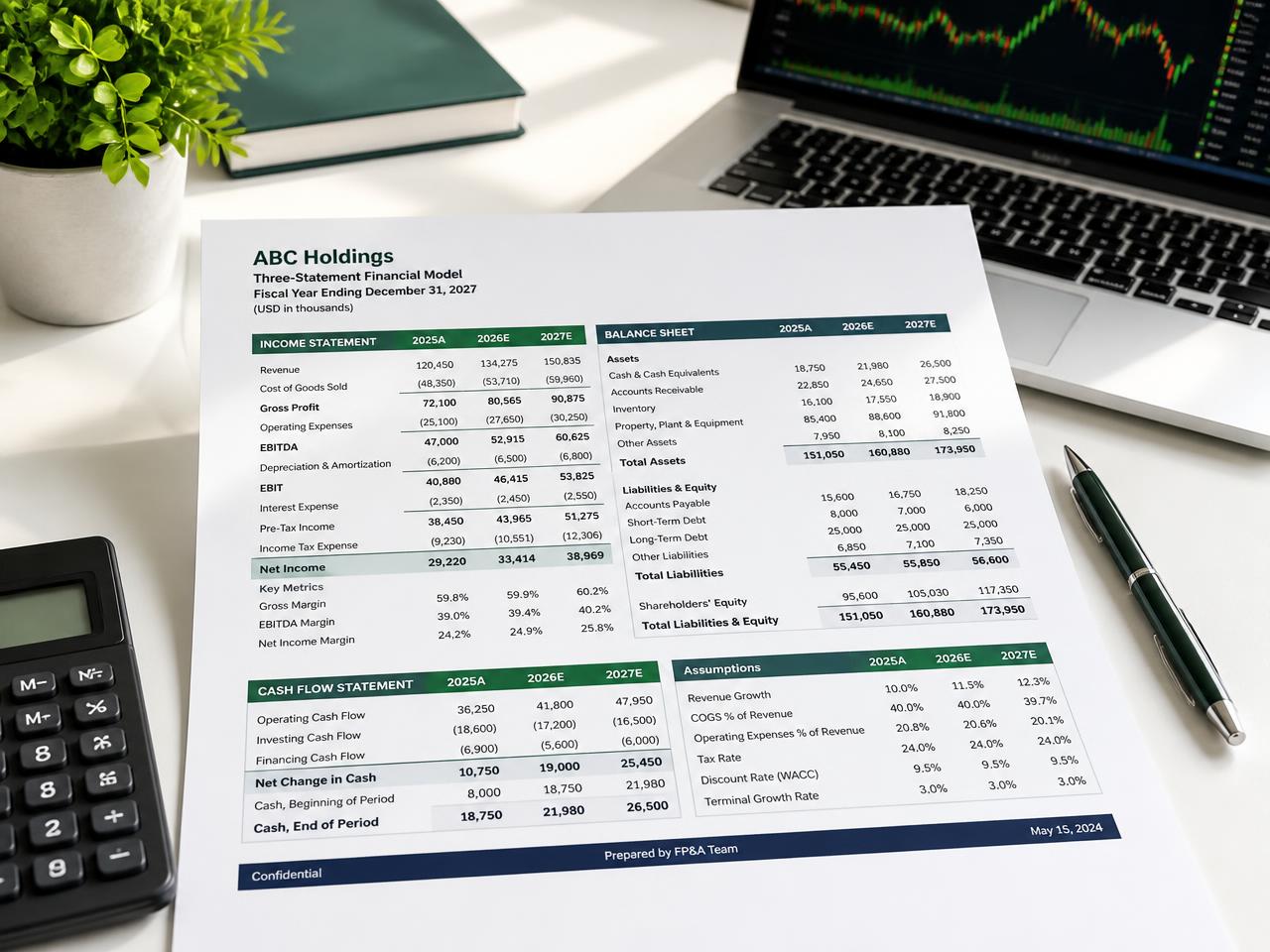 Financial Docs & Models
What you provide
Draft my ready-to-use budget template

02
Structured budget workbook (categories x months) with assumptions sheet and variance columns; ties to chart of accounts.
Format & standard
03
What good looks like.
01
CriteriaWhat it must include
- 01Line items by GL/cost-center category (salaries+benefits, T&E, software/SaaS, professional services, supplies, depreciation)
- 02monthly/quarterly phasing with annual total
- 03prior-year actuals and YoY % for baseline
- 04headcount plan tied to fully-loaded comp
- 05assumptions tab
- 06variance columns (budget vs forecast)
- 07contingency line
02
QualitySignals of expertise
- ★Fully-loaded headcount cost (salary + ~25–35% burden), driver-based assumptions, separation of opex vs capex, monthly phasing not just annual /12
03
PitfallsCommon mistakes
- ×Annual figures with no monthly phasing
- ×headcount without benefits load
- ×no assumptions documentation or prior-year baseline
 Driver based
 Monthly detail
 Scenario ready
04
You might also like.
Financial Docs & Models
Budget Variance Report
Get variance analysis report - just enter budget, actuals, period.
Try it →
Financial Docs & Models
Burn Rate & Runway Tracker
Get runway tracker spec - just enter cash, monthly spend, revenue.
Try it →
Financial Docs & Models
Cap Table Scenario Model
Get dilution scenario analysis - just enter current cap table, round terms, option pool.
Try it →


Ready when you are
Get your ready-to-use budget template.
Answer a few questions and get a finance-ready document you can review, edit and share today.
Get your ready-to-use budget template